Google Educator Conference 2023
Brought to you by Google and She Sharp

About This Event
The Google Educator Conference is designed for digital technology teachers—training them in STEM subjects and creative ways to present these in New Zealand classrooms.
The purpose of the conference is to upskill all our valuable educators such as primary, intermediate, high school by presenting ideas to engage students with new technologies so they can be better equipped for the needs of twenty-first century learning.
Teachers will be equipped with the ability to tap into the creativity and enthusiasm that many students have for technology. And they’ll be exposed to exciting ways of presenting these technologies and master new skills that can directly shape the future of computer science in their classrooms.
Previously known as CS4HS, the Google Educator Conference is back for 2023!
The audience is High School Teachers who teach Computer Science, Digital Technologies, STEM or related subjects; teachers who are looking to refresh or add on to their skills; plus ICT curriculum leaders, primary school teachers and school librarians.
Details are coming soon. Sign up for our newsletter and be the first to know.
Event Recording
This event has ended
Time & location
AUT City Campus
55 Wellesley Street East, Auckland CBD
Auckland
Who should attend
High school teachers of Computer Science, Digital Technologies, STEM or related subjects; ICT curriculum leaders, primary school teachers and school librarians.
Sessions
What to expect on the day
Keynotes
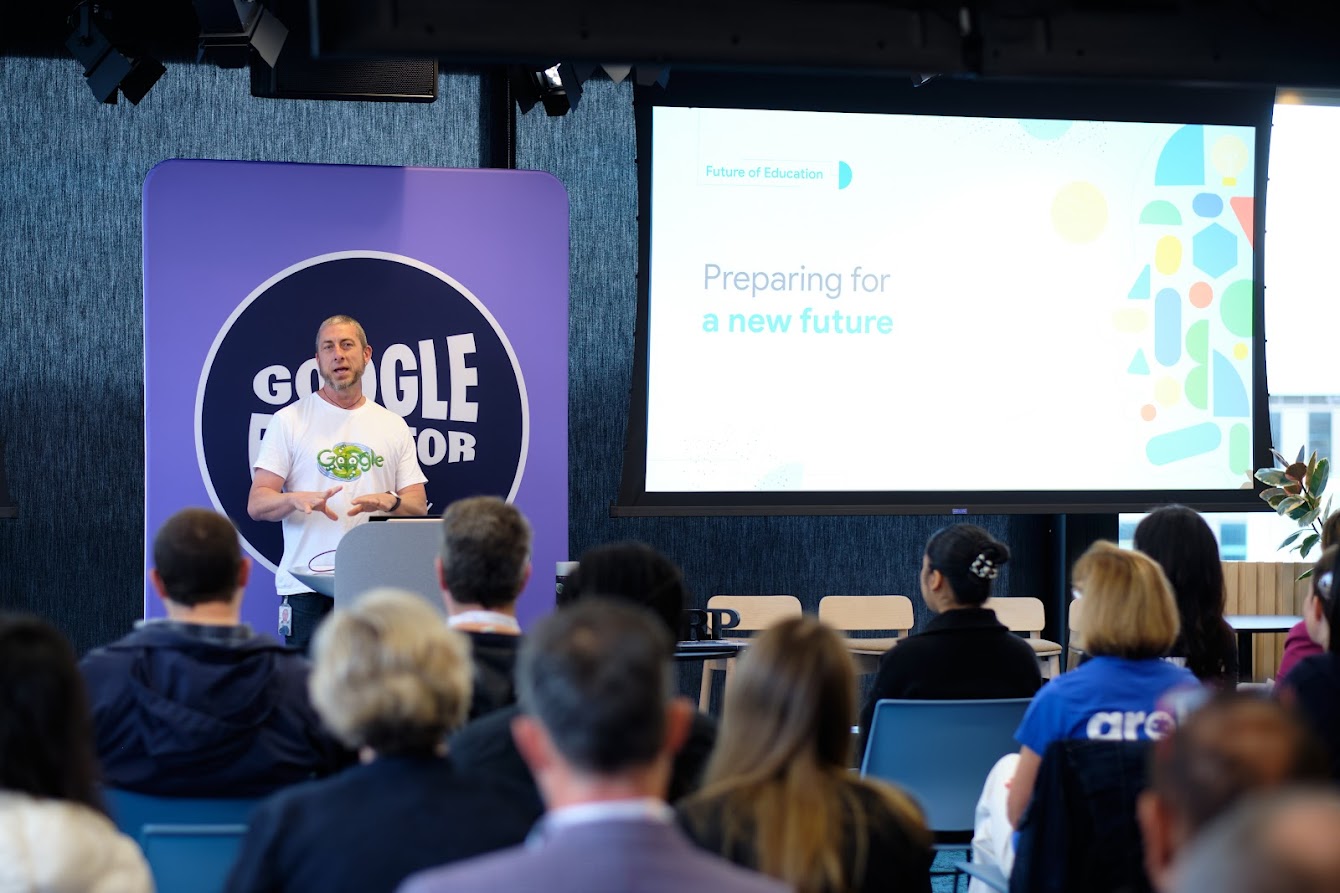
Keynote - The future of education report
Together with strategic insights practice Canvas8 and global non-profit American Institutes for Research, Google for Education conducted interviews with 94 educational experts across 24 countries to compile the future of education report.
As educators work to equip students with the skills and mindsets they’ll need to navigate massive change, the experts we interviewed discussed how and why they’re rethinking the role of education.
Find out how recent technological advances are evolving how we think about teaching and learning from a one-to-many model to a more personal approach to learning and the tools that can support this.
Steve Smith
Demos
Demo 1: Unlock the magic of learning with Quiver's 3D Augmented Reality Workshop!
Want to wow your kids or become the coolest teacher in school? Join us for an extraordinary experience as we introduce you to our Quiver App and Education Dashboard. Quiver, launched in 2013, was the world's first Augmented Reality colouring app, downloaded by over 25 Million users in 150+ countries and delivers engaging and magical experiences for all. Quiver is a one-stop shop for Augmented Reality education content and lesson plans for Pre K to Year 9 and beyond.
Highlights:
- Interactive Learning: Witness every colored page spring to life in its own unique way, instilling a profound sense of pride and ownership in young artists.
- Immersive Education: The Quiver App opens doors to an immersive, educational, and inspiring world, making it an indispensable tool for both classrooms and homes.
- Skill Development: Watch as children develop skills and retain knowledge in a manner that defies convention.
The demo will cover:-
- Introduction to Augmented Reality and Quiver 3D Colouring App
- Exploring Quiver AR Coloring Sheets
- Mastering Quiver Education Dashboard
- Unleashing the Potential of Quiver Digital Environments
- Dive into the World of Quiver AR Masks
Exclusive Benefits for Registered Educators:-
- Complimentary 12-Month License: Gain access to over 250 AR coloring sheets covering Science, Math, and Social Sciences.
- Quiver Swag and Goodies: Exclusive merchandise, including Mugs, Pens, Stickers, and Tote Bags.
Mehwish Hasan, Nils Reardon, Nischay Gupta
Demo 2: Google - Introduction to Digital technology curriculum and Google for Education tools
In this workshop steve will introduce some tools to use in the classroom to help with the Digital technology curriculum.
Tools to create digital outcomes and promote computational thinking.
Steve Smith
Demo 3: ImmerseHer "Virtual Reality" Workshop Lead
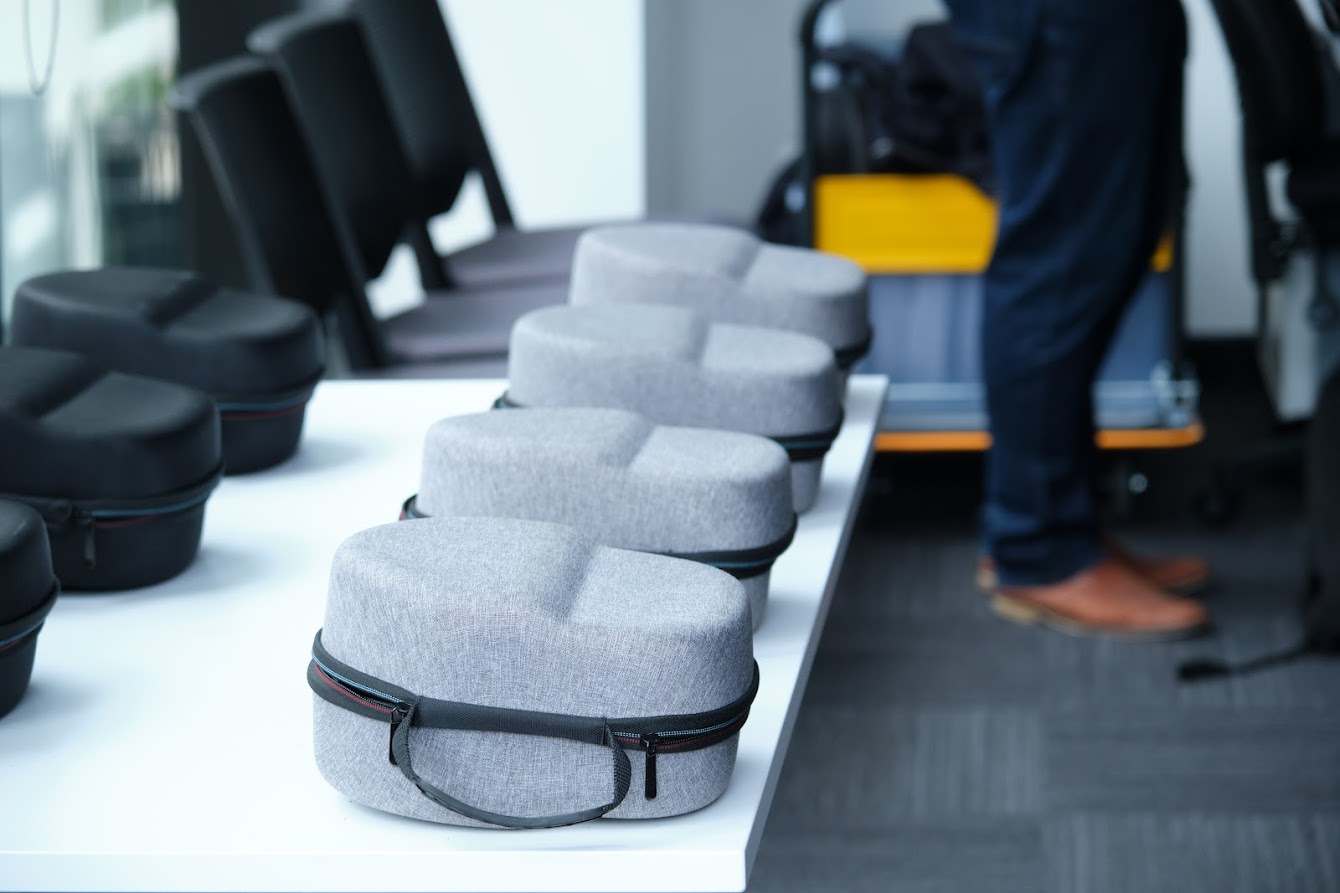
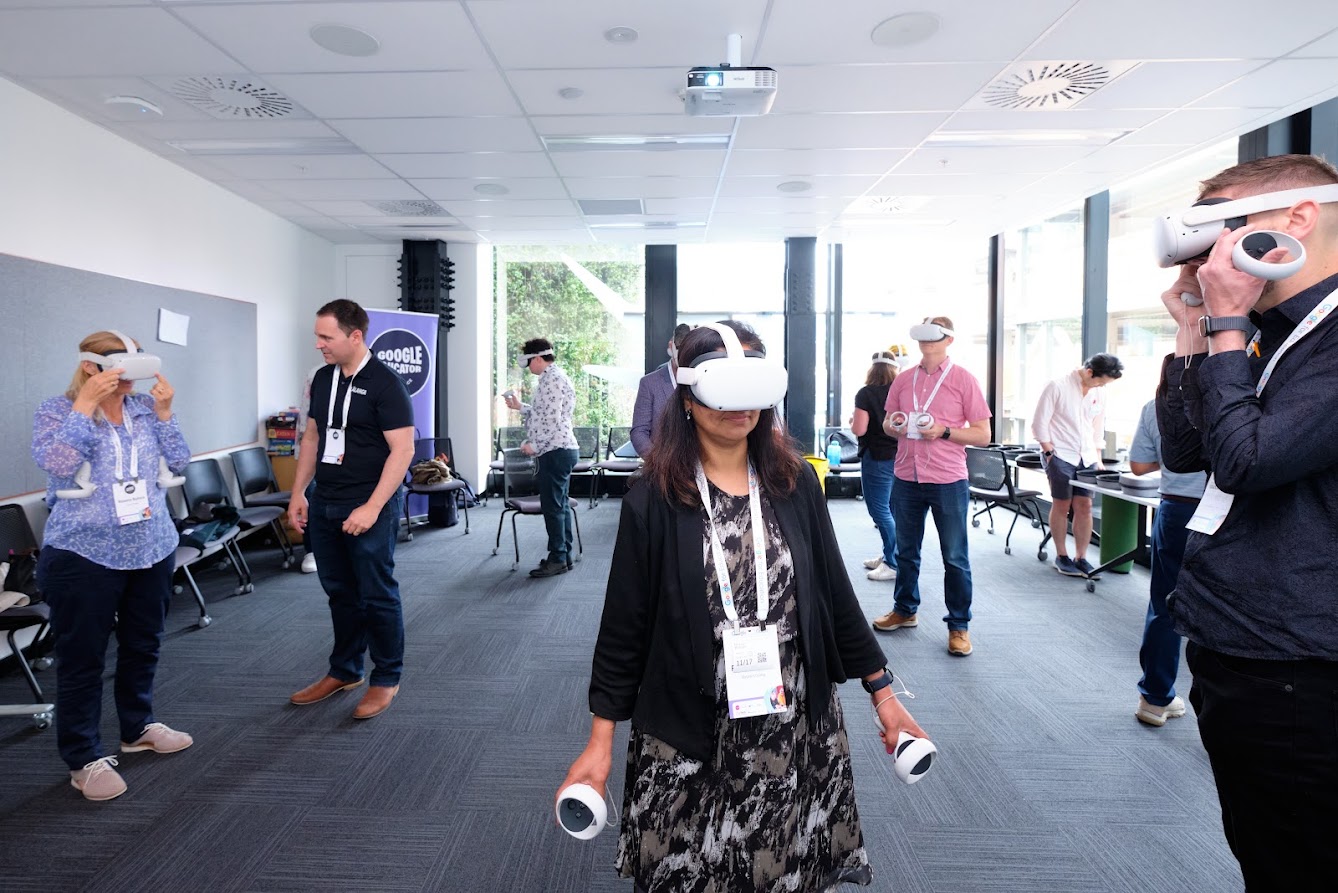
Are you ready to step into the future of technology? Welcome to "ImmerseHer: Virtual Reality," where you'll embark on an exciting journey into the world of virtual reality (VR).
This workshop is led by Daniel and Lesieli Oliver, founders of Lālanga, current Technology teachers themselves, holding a passion for education and technology.
What to Expect:
Hands-On Experience: Dive into the world of virtual reality by exploring various VR applications. Grow in your Capability: This workshop is your chance to expand your technological skills and understanding. Daniel and Lesieli will share their wealth of knowledge to empower you with the tools you need to thrive in the tech-driven future. Discover Your Place in VR: Ever wondered where you fit in the future of virtual reality? This workshop provides insights into the vast possibilities and career paths within the VR industry. You'll gain a clearer understanding of how you can contribute to shaping the future.
Join Daniel and Lesieli Oliver at "ImmerseHer: Virtual Reality Workshop" and prepare to be amazed by the endless potential of VR technology. Whether you're a tech enthusiast or simply curious about the future, this workshop is your gateway to the exciting world of virtual reality.
Daniel Oliver, Lesieli Oliver
Demo 4: Embrace chaos: Disrupting to Design
Join us in exploring the practical side of disrupted learning in our upcoming workshop. Using Spotswood College as an exemplary case, we'll explore the nuanced art of fostering student engagement and inquiry-based learning methodologies.
Dive into the insights behind the Superstar Game of Design Thinking, a tool that encourages creative exploration and critical thinking in students. Through practical examples, understand how this approach is reshaping education at Spotswood College and beyond. Gain valuable insights into personalised learning approaches tailored to individual student needs, strengths, and passions. Discover how Spotswood College's innovative practices can be adapted to create a purpose-driven and student-centered learning environment in any educational setting. This workshop is your gateway to understanding the evolving landscape of education and harnessing the potential of disrupted learning for meaningful student development."
Claire Wigley
Workshops
Workshop 1: Empower your students to learn with AI
Generative AI Technical Workshop
● Hands-on labs with technical guidance using our Cloud Skills boost online environment
● Step-by-step guide on building Generative search and discovery tools
We will go through the basics of generative model design, classification, extraction, summarization and everyone's hot topic, prompt engineering!
Attendees will leave having built a fully functional conversational search agent.
Christopher Mende
Workshop 2: Generative Art - Bring Your Code to Life with JavaScript and p5.js
Teach the basics of programming while creating interactive procedural art. p5.js is a JavaScript library for creative coding, with a focus on making coding accessible and inclusive for educators artists, designers, and programming beginners! p5.js is free, open-source and browser based - you can start using it in your classroom today.
Technology is a creative pursuit. How do we as educators provide our students with engaging content that motivates the learning of Computational Thinking? In this session Alex will focus on how to cover the basics of programming in JavaScript while giving students artistic and creative freedom to express their ideas. We will explore the long tradition of generative art and approaches to blend in Digital Technologies into other subject areas.
Alex Ward
Workshop 3: When it's a bug, not a feature...
We will explore strategies that students (and teachers) can use to successfully debug their code including how to use Chat GPT whilst ensuring authenticity. Participants are encouraged to bring their devices and broken code that needs debugging. The strategies shared are based on Python / php but will work with any language.
Jennifer Gottschalk
Workshop 4: Cyber Security Teaching and Learning Resources for the classroom
Cyber security is an important area for both kaiako and ākonga across Aotearoa. In this workshop, participants will hear about the impact of cyber security breaches and exciting career pathways in Cyber Security from industry experts. They will learn how to utilise the free Cyber Skills Aotearoa online and unplugged activities to teach cyber security concepts in their classrooms.
The Cyber Skills Aotearoa content encourages learner agency as students engage with learning cyber security concepts through assuming the role of an ethical (white hat) hacker to sleuth the answers to problems. The programme is designed to enable ākonga to navigate the online world with confidence.
The workshop will cover teaching the following topics in the classroom:
- Sharing information online
- Good password practices
- Phishing and scam awareness
- Cryptography
- Web application security
- Industry case studies that are aligned with NCEA assessment requirements
All content is available in both English and te reo Māori and is aligned to the Hangarau wāhanga ako and Technology learning areas. Content addresses achievement objectives and progress outcomes in the Nature of Technology, Whakaaro Rorohiko, Computational Thinking, Tangata me te Rorohiko and Designing and Developing Digital Outcomes strands.
Julie McMahon
Schedule
Agenda
Friday 17 November 2023

When
What
Where
7.45 - 8.20am
Registration and coffee
Level 6, Google Office
Level 6, Google Office
8.20 - 8.30am
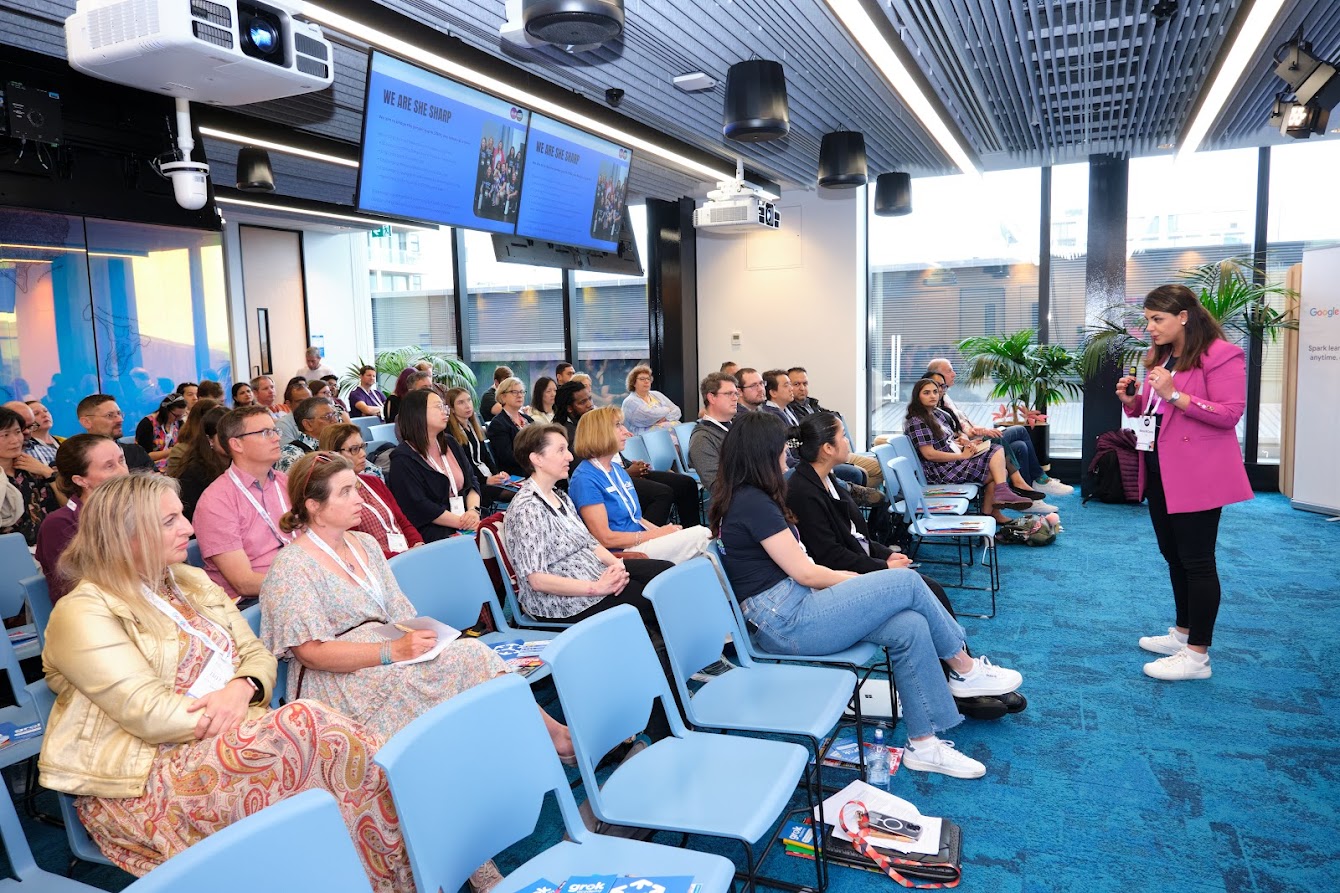
Welcome — Dr. Mahsa McCauley (She Sharp)
Level 6, Google Office
Level 6, Google Office
8.30 - 9.30am
Keynote Address: The future of education report — Steve Smith (Google)
Level 6, Google Office
Level 6, Google Office
9.30 - 9.45am
Group Photo
Level 6, Google Office
Level 6, Google Office
9.45 - 10.15am
Morning Tea
Level 6, Google Office
Level 6, Google Office
10.15 - 11.45am
Demo 1: Unlock the magic of learning with Quiver's 3D Augmented Reality Workshop!
Room O4 Mao, Level 6, Google Office
Demo 2: Google: Introduction to Digital technology curriculum and Google for Education tools
Room O5 Ninth Expedition to Everest, Level 6, Google Office
Demo 3: ImmerseHer "Virtual Reality" Workshop
Room Akomanga 4.05, Level 4, Media Design School
Demo 4: Embrace chaos: Disrupting to Design
Room Akomanga 4.06, Level 4, Media Design School
Room O4 Mao, Level 6, Google Office
Room O5 Ninth Expedition to Everest, Level 6, Google Office
Room Akomanga 4.05, Level 4, Media Design School
Room Akomanga 4.06, Level 4, Media Design School
11.45 - 12.00pm
Google office tour
Level 6, Google Office
Level 6, Google Office
12.00 - 12.45pm
Lunch
Level 6, Google Office
Level 6, Google Office
12.45 - 3.00pm
Workshop 1: Empower your students to learn with AI
Room Paua, Level 6, Google Office
Workshop 2: Bring your code to life with p5.js
Room O5 Ninth Expedition to Everest, Level 6, Google Office
Workshop 3: When it's a bug, not a feature
Room Akomanga 4.06, Level 4, Media Design School
Workshop 4: Cyber Security Teaching and Learning Resources for the classroom
Room O4 Mao, Level 6, Google Office
Room Paua, Level 6, Google Office
Room O5 Ninth Expedition to Everest, Level 6, Google Office
Room Akomanga 4.06, Level 4, Media Design School
Room O4 Mao, Level 6, Google Office
3.00 - 3.15pm
Afternoon tea
Level 6, Google Office
Level 6, Google Office
3.15 - 4.30pm
Panel discussion
Level 6, Google Office
Level 6, Google Office
4.30 - 6.00pm
The Media Design School Exhibition, expo and networking drinks
Room 4.04, Level 4, Media Design School
Room 4.04, Level 4, Media Design School
Meet the Keynote Speakers

Meet the Demo Facilitators




Meet the Workshop Facilitators

Alex Ward
Head of Digital Technology, Kerikeri High School
Christopher Mende
Customer Engineering, Google Cloud NZ

Jennifer Gottschalk
Digital Technologies Teacher, Massey High School

Julie McMahon
Lead Educator, Grok Academy
Meet the Panelists
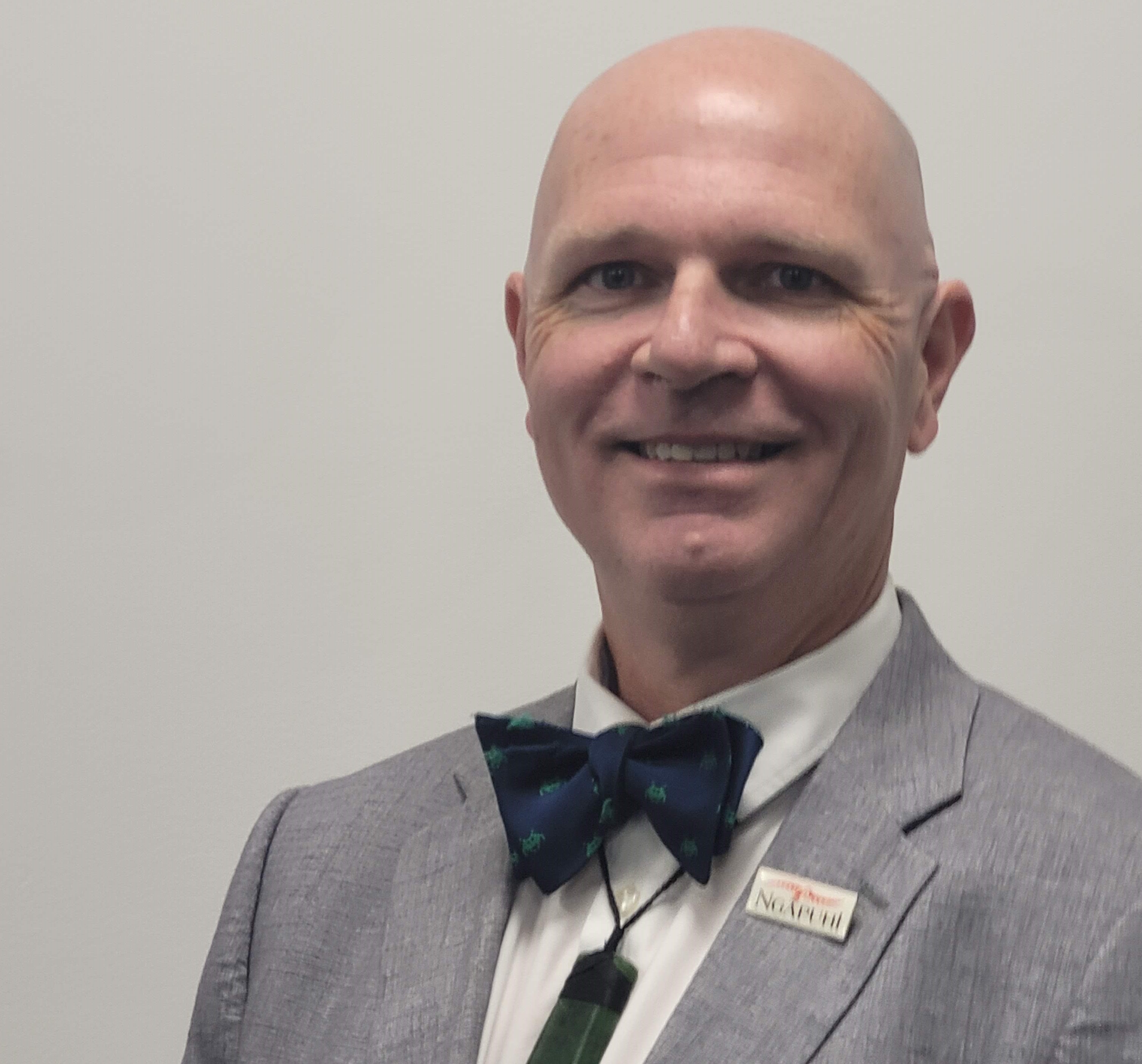
Aaron Overington
Education Strategist, Cyclone Computers
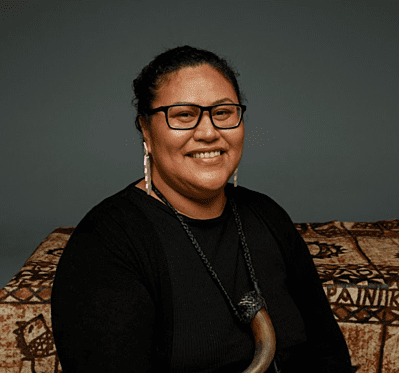
Evo Leota-Tupou
Founder, Pacific Kids' Learning
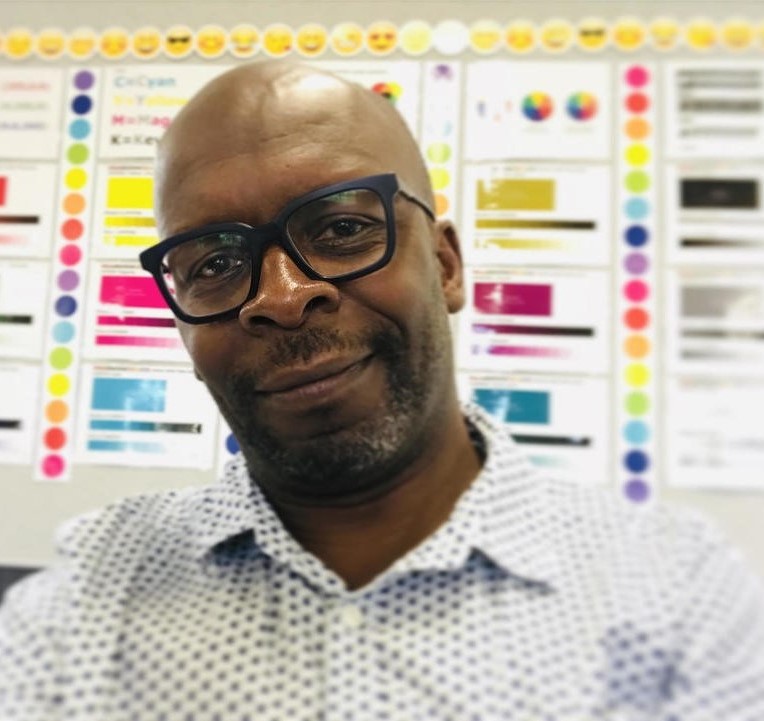
Malcolm Clarke
President, Digital Technologies Teachers Aotearoa

Shanon O'Connor
Founder and Director, Tōnui Collab

Tracy Henderson
Project Manager, University of Canterbury - CSER
Event Sponsors
Powered by our partners
Gold
Google supports all Kiwis towards a digital future. Google New Zealand started with just one person in 2007 and has grown to around 50 people now based in Auckland and Wellington. The team works to help Kiwis find new ways to collaborate, reach audiences and get things done. Google is committed to helping all Kiwis with the digital knowledge and capabilities they need now and in the future.

Silver
QuiverVision
Want to wow your kids or become the coolest teacher in school? Join us for an extraordinary experience as we introduce you to our Quiver App and Education Dashboard. Quiver, launched in 2013, was the world's first Augmented Reality colouring app, downloaded by over 25 Million users in 150+ countries and delivers engaging and magical experiences for all. Quiver is a one-stop shop for Augmented Reality education content and lesson plans for Pre K to Year 9 and beyond.
Technology Education New Zealand (TENZ)
Technology Education New Zealand (TENZ) is a non profit professional, collaborative association, promoting and supporting all levels of technology education in Aotearoa New Zealand. TENZ is organised by teachers for teachers and our aim is to enhance the learning and teaching of technology by creating a well informed, well connected, supportive, and sustainable professional community that has a strong voice and provides effective advocacy for technology education.
Bronze
Cyclone
Technology is playing a crucial role in the modern learning environment. It’s opening new opportunities for students, and improving processes all round. But staying ahead can take up precious time and resources. That’s where the specialist expertise of Cyclone’s school IT services comes in. We have decades of experience working with New Zealand education providers and the MOE. We help schools build technology infrastructure that moves with the times, delivers learning content across devices and protects everyone from security threats. We also provide training that empowers your staff and students, and back that up with dedicated school IT support services. . All delivered with a Kiwi can-do attitude, and a careful eye on the budget.
Networking & Drinks

MDS
Dan Trainor, Senior Future Student Advisor. After completing a B.A. (Hons) in Screen and Media, Dan has worked as a freelance videographer and visual artist; he has immense passion for the creative industries. This enthusiasm transcends into his role as Course and Careers Advisor at MDS by encouraging the exceptional talent coming into the school and helping direct students into the amazing opportunities we have to offer.

Thanks for the support
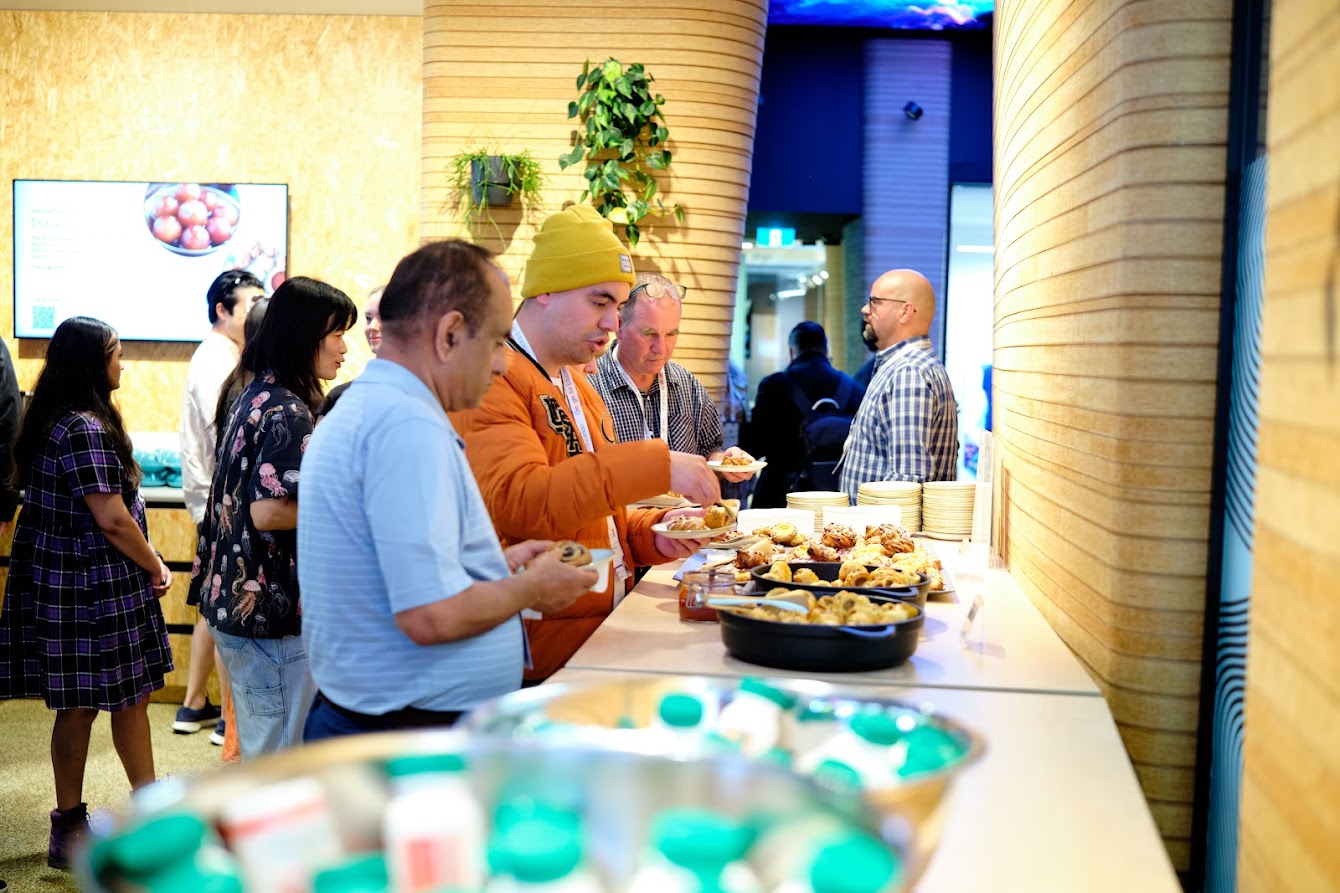
A taste of the Event
Session resources
We would like to share some resources from the event on behalf of our amazing speakers, demo and workshop facilitators.
Getting to the event
AUT City Campus is in the heart of Auckland and is surrounded by bus stops and is also close to motorway entry/exits. You can easily commute to AUT through Auckland Public Transport.
Because of the high demand for parking in the central city, AUT can’t provide on-site parking for city-based students or event attendees during the day. It’s a good idea to consider other transport options, like public transport or carpooling. You can park off street (pay and display) or at the nearest Wilson Parking.
About AUT
AUT is the University for the Changing World. Established in 2001, it’s young, vibrant and future focused offering outstanding opportunities for development and innovation.
We are in QS’s top 3% of rankings and feature in the Times Higher Education (THE) Top 150 universities under 50 years old. In 2016 THE also named AUT as the 19th most international university in the world.There are five faculties at AUT: Faculty of Design and Creative Technologies, Faculty of Culture and Society; Faculty of Business, Economics and Law; Faculty of Health and Environmental Sciences, and Te Ara Poutama – Faculty of Māori and Indigenous Development.
Key contact
Mahsa McCauley (Mohaghegh) — for all workshop-related queries please contact the workshop organiser.

Corporate Partnerships
Partner with Purpose
Join leading organisations in empowering women in STEM. Connect with our team to learn how your sponsorship can create meaningful, lasting impact.

Bridge the gender gap in STEM with us
Donate to She Sharp
Help us empower more young women to pursue careers in STEM through events and networking opportunities.
Come to an event
Meet new people, network with companies, engage in workshops and learn more about working in STEM!